
Pipedrive pricing 2026 starts at $14 per seat on the Lite plan
Pipedrive pricing 2026 uses four paid plans from $14 to $79 per seat annually. Lite includes Nova AI meeting tools but restricts automations and email sync.

Pipedrive pricing 2026 follows a four-tier per-seat model billed annually in USD. The Lite plan costs $14, Growth $39, Premium $59 and Ultimate $79. Monthly billing raises each rate by 30 to 40 percent. No free plan exists, though a 14-day trial remains available.
Pipedrive pricing 2026 structure and per-seat costs
Plan names shifted in 2025, with the former Essential tier renamed Lite. Every plan charges per user and tracks usage in-app. Exceeding limits blocks new entries until records are archived or the account upgrades. The company-wide ceiling stays at 300,000 leads or deals across most plans.
Lite supplies basic pipeline visibility and includes Nova meeting intelligence plus AI report creation at no extra charge. Growth adds email sync for one account per user, 50 automations and five sequences. Premium introduces LeadBooster, AI email drafting, three email sync accounts and e-signatures. Ultimate bundles sandbox testing, five team inboxes and extended security rules.
Add-ons such as LeadBooster or Smart Docs cost roughly $32.50 per company per month when purchased separately on Lite or Growth. Premium and Ultimate include these tools. Top-up purchases exist for extra storage or lead capacity when needed.
Plan limits and AI feature access explained
Lite restricts users to 2,500 leads or deals per seat, 30 custom fields and 15 reports per user. No automations, sequences or email sync appear on this tier. Growth raises the lead allowance to 5,000 per seat, 100 custom fields and 50 reports. Premium lifts limits to 15,000 leads per seat, 300 custom fields and 150 automations. Ultimate reaches 20,000 leads per seat and 500 custom fields.
Nova meeting intelligence, which generates pre-call briefs, transcriptions and draft CRM updates, ships on every plan after its September 2026 general release. AI report creation also stays available without added fees. Sales Assistant remains in beta across all tiers. Only Premium and higher unlock AI email creation, summarization and reply suggestions.
Teams often start on Lite when pipeline volume stays low and later move to Growth once email tracking and basic automation become necessary. Overages require immediate action through deletion, top-ups or upgrades. Usage counters reset with each billing cycle.
| Plan | Price per seat | Leads/deals per seat | Automations | AI email tools |
|---|---|---|---|---|
| Lite | $14 | 2,500 | 0 | No |
| Growth | $39 | 5,000 | 50 | No |
| Premium | $59 | 15,000 | 150 | Yes |
| Ultimate | $79 | 20,000 | 250 | Yes |
Pipedrive vs HubSpot 2026 for sales-focused teams
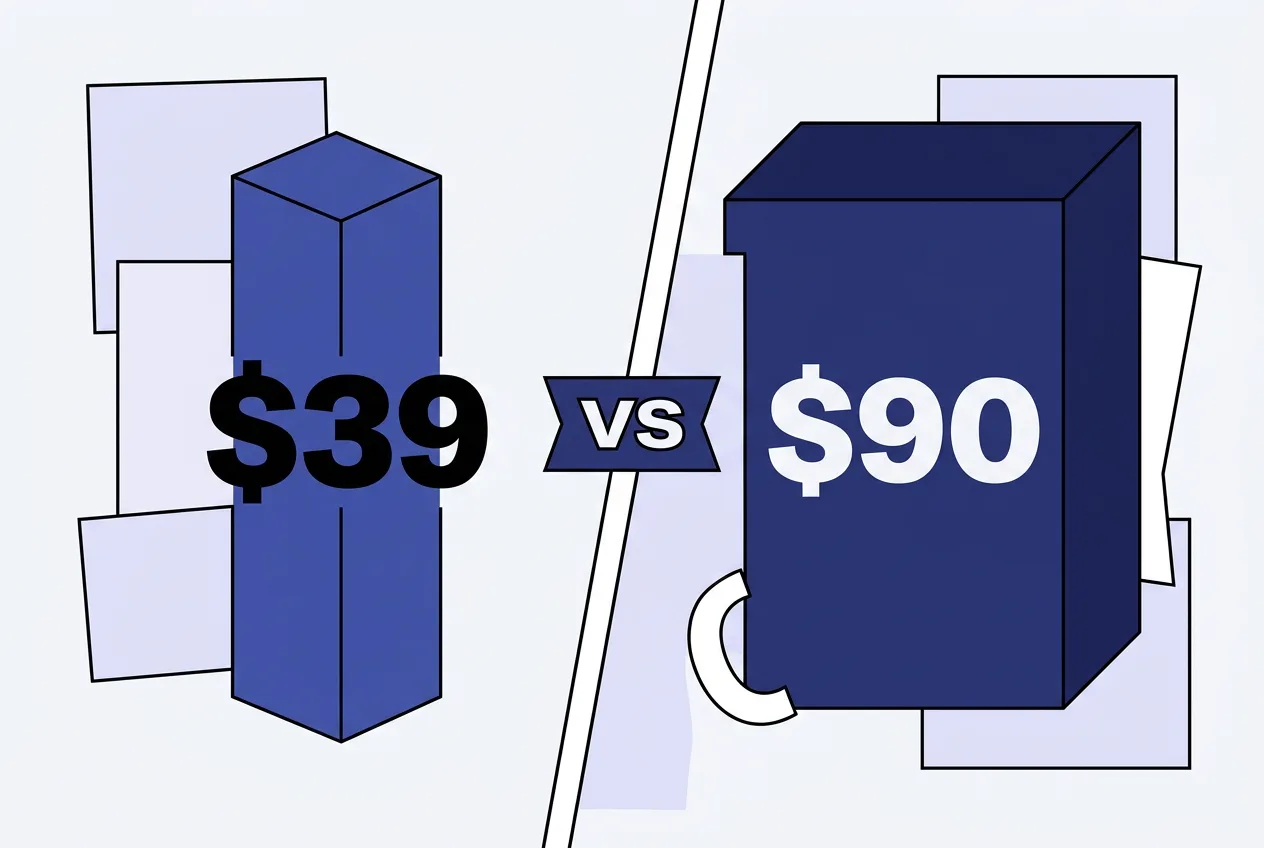
HubSpot Sales Hub Professional lists at $90 per seat annually plus a one-time $1,500 onboarding fee. Enterprise reaches $150 per seat with a $3,500 onboarding charge. Pipedrive Growth at $39 therefore undercuts HubSpot Professional on pure price for pipeline-only work. HubSpot still offers a free tier limited to two users and stronger built-in marketing tools.
Companies that need visual deal stages and quick setup often choose Pipedrive. Teams already invested in HubSpot marketing hubs usually stay inside that ecosystem despite higher per-seat rates. Direct comparison requires checking current VAT and any regional taxes on the official pricing page.
Alternatives such as Zoho CRM or the free HubSpot tier warrant review when budgets stay tight. Exact lead volumes, automation needs and email sync requirements determine the better fit. Current quotes should be verified directly before purchase.
Frequently asked questions
Does Pipedrive still offer an Essential plan in 2026?
The former Essential plan was renamed Lite during the 2025 restructure. Current tiers are Lite, Growth, Premium and Ultimate with updated limits on each.
Are Pipedrive AI tools charged separately?
Nova meeting intelligence and AI report creation come included on every plan. AI email features require the Premium tier or higher.
How does Pipedrive compare to HubSpot Professional pricing?
Pipedrive Growth costs $39 per seat while HubSpot Professional lists at $90. HubSpot adds onboarding fees that Pipedrive does not.
What happens when lead limits are exceeded?
New entries are blocked until records are archived, deleted or limits are increased through top-ups or upgrades.
Comments 15