
Gemini business tools 2026: Business Hub, Brand Kit Limits and Connected Apps
Google Gemini small business tools launched in October 2026 add a Business Hub for brand assets, finance analysis, and integrations with ten apps.
Google rolled out new Gemini business tools on October 20, 2026, centered on a Business Hub inside the Gemini app. The update targets small business owners who already use the service for brainstorming and performance tracking. It provides a single entry point for brand assets, financial charts, and customer insights without requiring a paid upgrade.
The Business Hub aggregates tasks that previously required separate apps. Users can upload brand materials once and generate consistent visuals with the Nano Banana 2.1 model. Finance functions convert receipts and spreadsheets into interactive charts and models.
Gemini business tools 2026 core features and rollout
The Business Hub serves as the main landing page for small business tasks. It lets owners build brand assets, review financial data, and pull customer insights in one location. Google stated the tools aim to cut admin time by keeping reusable context inside the app.
Rollout began immediately after the announcement and reaches all Gemini app users through a phased global process. Access depends on account and region, so owners should check the app directly. Enterprise teams with larger staff receive separate Gemini for business plans that include admin controls and security settings.
Finance tools inside the hub turn spreadsheets, receipts, and purchase records into charts and graphics. The system supports interactive models for scenario planning. No separate subscription is required for these functions on the standard Gemini app.
Background data shows tens of millions of small business owners already rely on Gemini for routine work. The October update adds structured workflows rather than new core models. Users verify outputs themselves because no accuracy guarantees accompany generated visuals or financial summaries.
Brand kit limits and connected apps
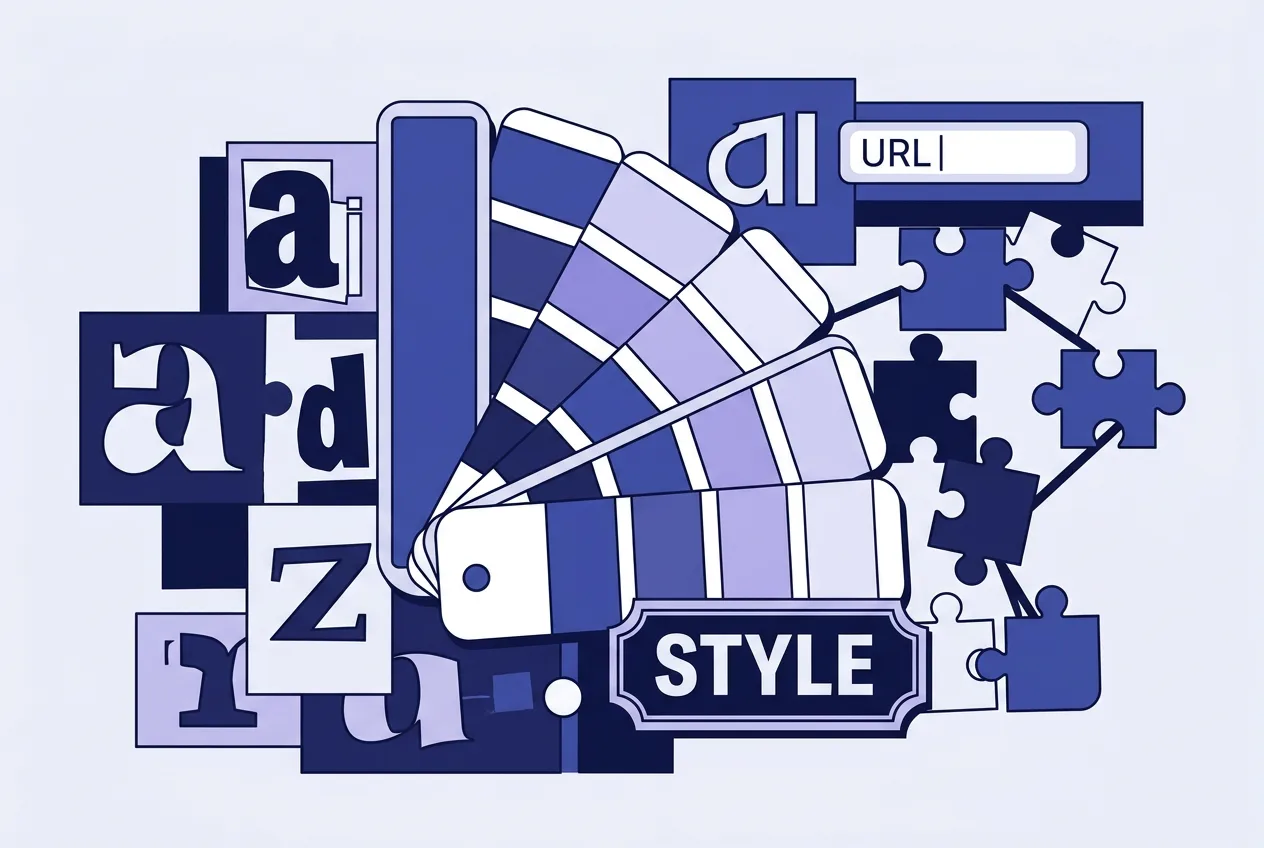
The brand style feature accepts a website URL, brand kit file, fonts, or color palettes. Gemini stores the style and applies it to new images through the Nano Banana 2.1 model. No upload limits, storage caps, or multi-brand sharing options appear in the published details.
Ten integrations are listed: Google Business Profile, Google Ads, Google Workspace, Adobe, Canva, Dropbox, Shopify, Wix, Zoho, and Xero. Each connection needs manual setup and permission grants. Exact read or write scopes for each service remain unspecified in the announcement.
Google Business Profile gained an earlier link in June 2026, forming the base for later additions. Third-party apps require users to confirm data flows before use. Owners should test each integration on sample data to confirm expected behavior.
| App | Type | Setup Required |
|---|---|---|
| Google Business Profile | Yes | |
| Shopify | Third-party | Yes |
| Xero | Third-party | Yes |
| Canva | Third-party | Yes |
Google directs enterprise users to paid Gemini Enterprise plans that add security layers absent from the free app version. Small business owners stay on standard consumer plans such as Google AI Pro if they need deeper model access. No dedicated small-business pricing tier was announced for the new hub features.
Practical considerations for Gemini for SMB users
Owners should confirm availability in their region before planning workflows around the Business Hub. Brand kit outputs benefit from a single consistent upload rather than repeated style descriptions. Finance visualizations require review against source records to catch conversion errors.
Connected apps function only after explicit permission steps. Start with one integration, such as Google Business Profile, then add others as needed. Test data export from each service to avoid unexpected read limits.
Full global access and precise per-feature limits will clarify over coming weeks. Users track updates inside the app and compare results against manual methods until the tools stabilize.
Frequently asked questions
Is the Business Hub available on free Gemini accounts?
Yes. The October 2026 update reaches all Gemini app users without a paid subscription. Enterprise plans remain separate for teams needing admin controls.
How many apps connect to the Gemini Business Hub?
Ten named integrations exist, including Google Business Profile, Shopify, Xero, and Canva. Each requires manual permission setup.
Are there published limits on Brand Kit storage or uploads?
No specific caps on uploads, storage, or multi-brand sharing have been released. Users should monitor account behavior during rollout.
Does Gemini for SMB require a Workspace subscription?
No. The new tools run inside the standard Gemini app. Workspace plans provide separate access levels and admin features for larger organizations.
Comments 5