
HubSpot AI pricing 2026: Spend Caps, Credits Exchange and Seat Management Limits Explained
HubSpot rolled out account-level spend caps and mid-contract seat swaps on 15 October 2026. Admins can now set hard credit limits and convert unused seats without plan changes.
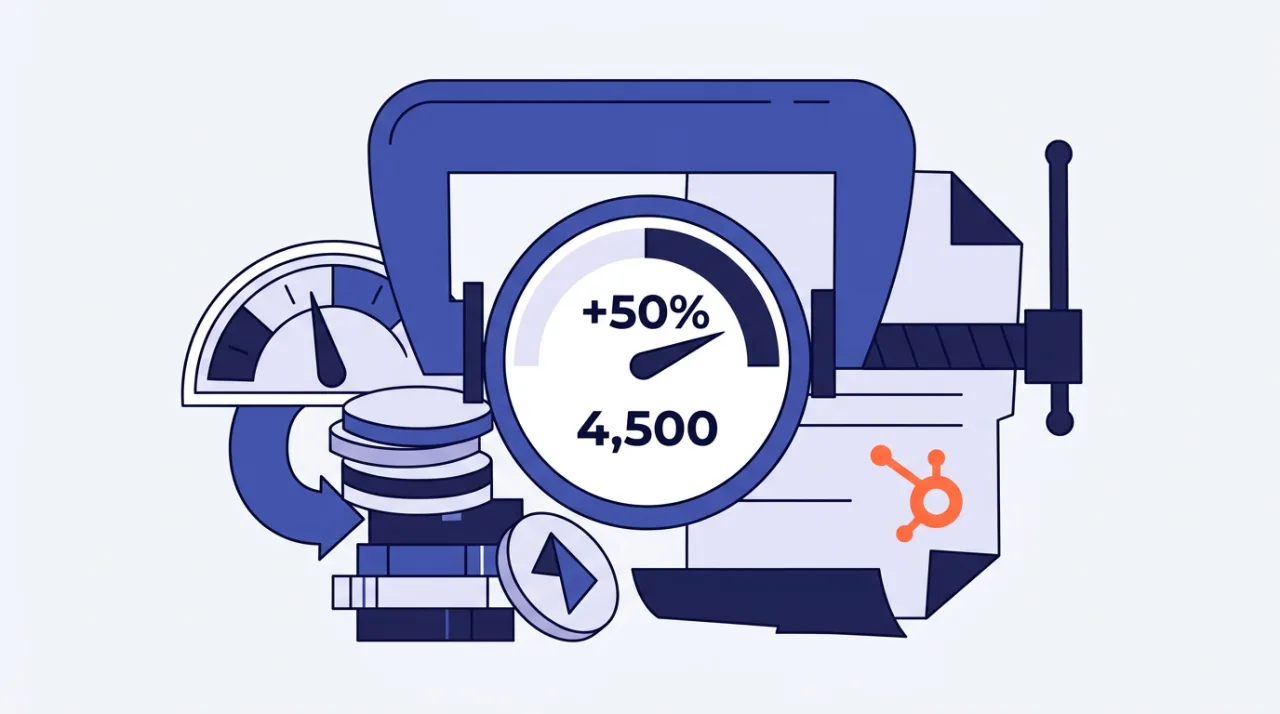
HubSpot introduced AI spend controls on 15 October 2026. The update lets Super Admins set account-wide and feature-level credit caps while allowing mid-contract swaps of unused seats for credits.
The changes address unpredictable AI usage after HubSpot moved to a single credits pool earlier in the year. Overage remains available through pay-as-you-go or prepaid packs, but teams can now prevent spikes from exceeding budgets.
HubSpot spend caps and usage notifications
Spend caps activate by default. The account limit defaults to 50 percent above the monthly allowance included in the plan. Professional plans with 3,000 included credits receive a default cap of 4,500 credits. Enterprise plans with 5,000 included credits receive a default cap of 7,500 credits.
Admins can lower or raise the account cap in Account & Billing. Feature-level caps for individual agents or workflows cannot exceed the account cap. When the limit is reached, credit-consuming features pause until the next monthly reset. Email alerts trigger at 75 percent, 85 percent and 90 percent usage.
Credits cost $0.01 each. Typical consumption rates include 50 credits for one resolved Customer Agent conversation, 100 credits for one Prospecting Agent lead recommendation, and 1,000 credits for one Content Agent output. Unused credits expire at month end and do not roll over.
Credits exchange and seat management rules
The self-service “Swap seats & Credits” tool in Account & Billing lets Super Admins convert unassigned seats into credits mid-contract. Credits cannot be swapped back into seats. View-only seats stay free on paid tiers.
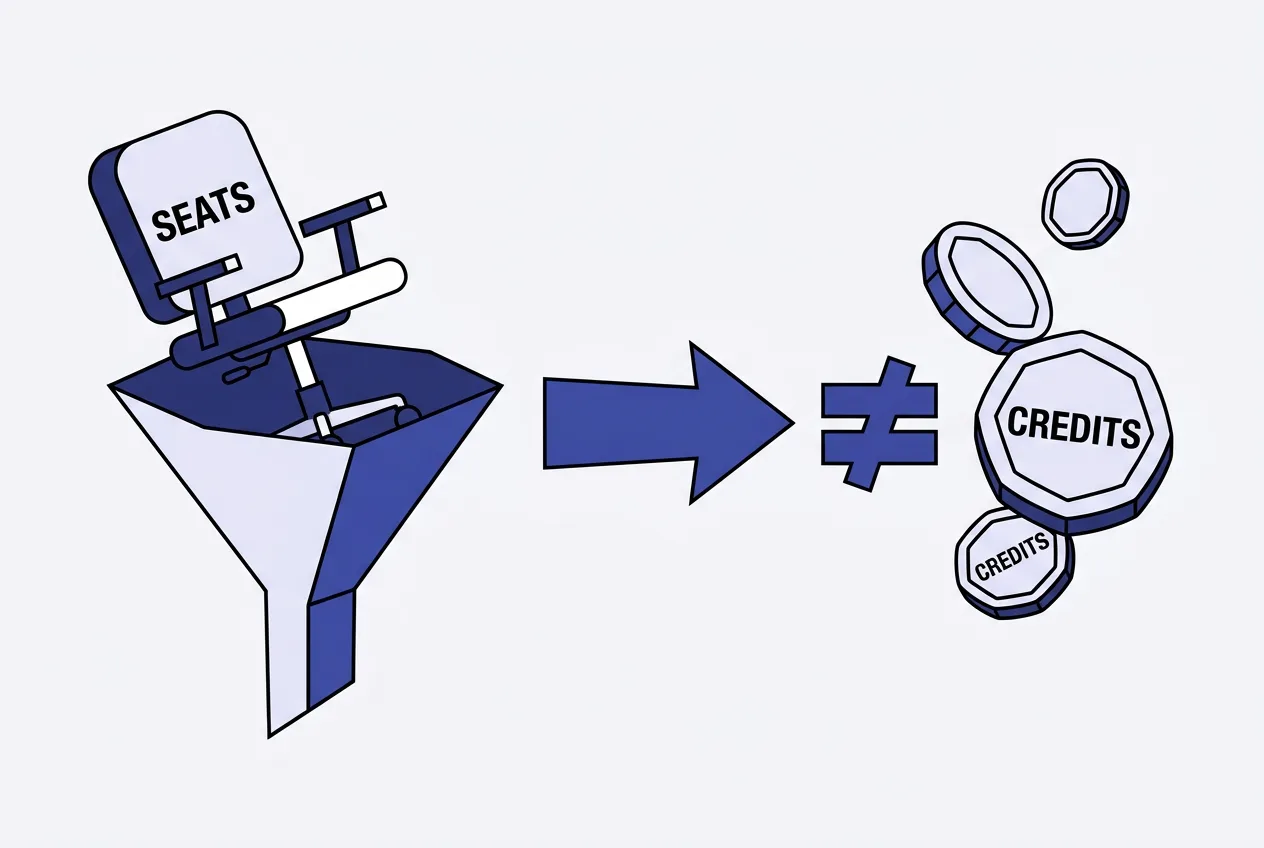
Flexible payment options include prepaid capacity packs at a flat monthly rate or pay-as-you-go billing. Both options became default for new purchases after mid-September 2026. Existing customers keep their prior billing setup unless they opt in.
Teams should review settings in the HubSpot Credits tab monthly. Modeling expected agent usage against plan allowances helps avoid hitting caps during peak periods. No automatic plan upgrade occurs when usage exceeds included credits.
| Plan | Included Credits | Default Cap | Seat Swap Option |
|---|---|---|---|
| Starter | 500 | 750 | Yes |
| Professional | 3,000 | 4,500 | Yes |
| Enterprise | 5,000 | 7,500 | Yes |
Frequently asked questions
How do I set a custom spend cap in HubSpot?
Go to Account & Billing, open the HubSpot Credits tab, and enter a new maximum monthly credits value. Feature caps can be set separately but cannot exceed the account limit.
Can I convert credits back into seats after a swap?
No. Once seats are swapped for credits the change is permanent for the current contract term. Credits themselves expire monthly if unused.
What happens when the credit limit is reached?
Credit-consuming AI features pause automatically until the next monthly reset. Notifications arrive at 75, 85 and 90 percent usage to allow early intervention.
Are view-only seats affected by the new credit rules?
View-only seats remain free on paid plans and do not consume credits. They can still be added without impacting the account cap.
Comments 5