
Cloudways MCP 2.0 Review: WordPress Fleet Management, AI Builder Limits and 2026 Pricing
Cloudways MCP 2.0 extends AI agent access to full WordPress fleet management. The AI Website Builder generates complete sites from prompts with clear per-site pricing tiers.
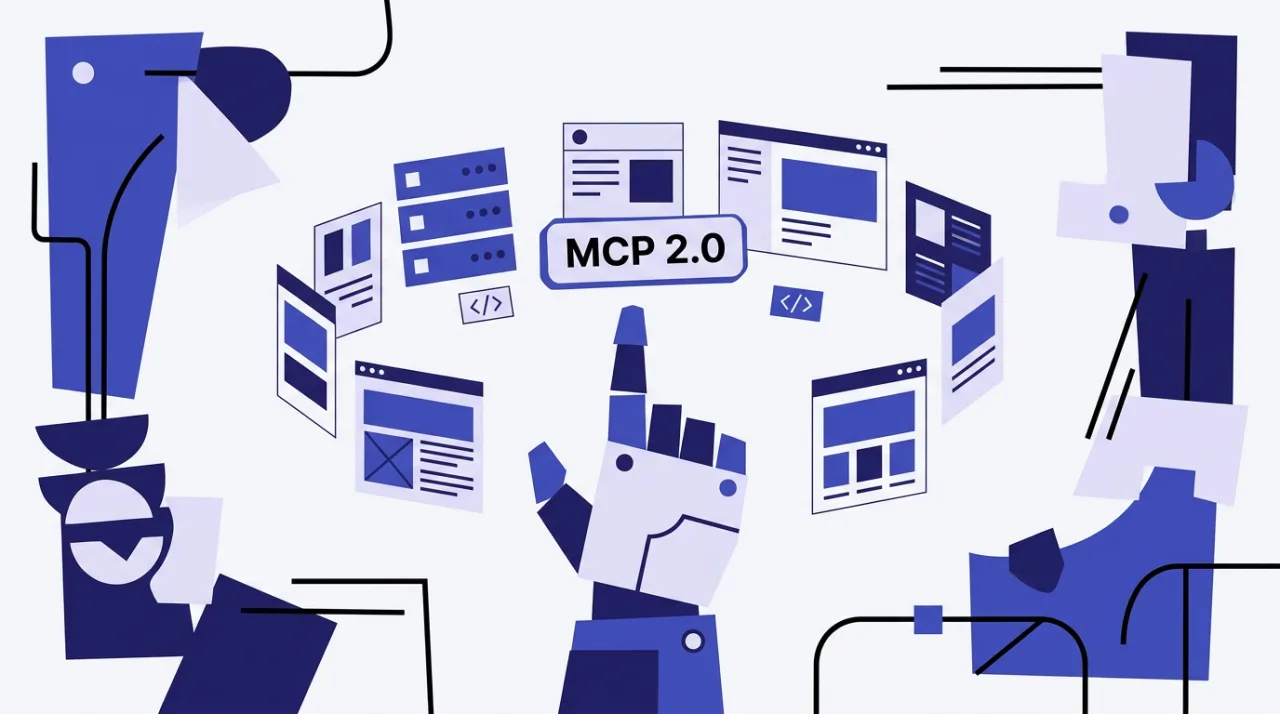
Cloudways MCP 2.0 gives agencies direct natural-language control over hundreds of WordPress sites through compatible AI clients. Released around October 16 2026, it adds more than 300 tools that cover logs, themes, plugins, users, auto-updates and server rules. The companion AI Website Builder, in public preview since September 22 2026, turns a single business description into a live multi-page WordPress or WooCommerce site hosted on Cloudways infrastructure.
Cloudways MCP 2.0 tools for WordPress fleet management
MCP 2.0 expands the Model Context Protocol server so agents such as Claude, Cursor and Gemini CLI can read application and error logs with the get_app_logs command. Full Site Manager integration now handles bulk actions across themes, plugins, user accounts and update history. Agencies can apply PHP version changes, web rules and SSH key assignments to entire fleets without logging into individual dashboards.
Authentication moved to scoped access tokens that support READ, LIMITED and FULL permissions. Legacy API keys stopped working after October 15 2026. The update supports up to hundreds of sites per command and remains free for any Cloudways customer who connects a compatible MCP client.
Practical use cases include nightly bulk plugin updates across client portfolios and automated activity reports pulled directly into an AI workspace. Teams that already run Cloudways servers gain these controls without extra fees beyond the underlying hosting.
Cloudways AI Website Builder limits and generation process
The builder creates complete, exportable WordPress sites from one prompt, including Gutenberg blocks, copy, imagery and SEO elements. Sites deploy directly onto Cloudways servers with included security and backups. Post-generation edits work through additional AI prompts, the visual editor or direct code changes. WooCommerce stores receive the same treatment with product pages and cart flows generated automatically.
Generation typically finishes in minutes. During the public preview, access requires a waitlist and usage stays free for both new and existing customers. After preview, volume pricing applies per site and the underlying Cloudways hosting continues on a separate pay-as-you-go basis.
Cloudways managed WordPress pricing 2026 and Hostinger comparison
Standard Cloudways servers start at roughly $11–$14 per month on DigitalOcean for 1 GB RAM and 25 GB storage with hourly billing and unlimited applications per server. Larger plans reach $46–$54 for 4 GB and $88–$99 for 8 GB. Autonomous single-site plans begin at $99 per month. The AI Website Builder adds tiered fees after preview: $7.99 per site monthly for 1–5 sites, $6.99 for 6–20 sites and $5.99 for 21 or more sites. Each site includes 20 AI credits monthly for content or design changes.

| Feature | Cloudways MCP 2.0 + AI Builder | Hostinger AI Builder |
|---|---|---|
| Target users | Agencies managing fleets | Beginners and small sites |
| Entry price | $11–$14/mo server + $7.99/site | $2.99–$3.99/mo intro |
| Site ownership | Full WordPress export | hPanel lock-in |
| Fleet tools | 300+ MCP actions | Limited bulk options |
| AI credits | 20 per site monthly | Included in plans |
Hostinger suits simple single sites with lower upfront cost and built-in domain and email. Cloudways delivers stronger performance scaling and the MCP layer for teams that already operate multiple production WordPress installations. Users who need both generation speed and ongoing fleet control choose Cloudways; those focused on the lowest monthly bill for one site often start with Hostinger.
Frequently asked questions
How many sites can one MCP command affect?
MCP 2.0 supports bulk actions across hundreds of sites in a single prompt when the agent has FULL token permissions.
Does the AI Website Builder lock users into Cloudways?
No. Generated sites use standard WordPress with full admin access and export options, though they deploy on Cloudways servers by default.
What happens to AI credits after the free preview?
Each site receives 20 credits monthly after preview pricing activates. Additional credits can be purchased as one-time top-ups.
Can MCP 2.0 replace the regular Cloudways dashboard?
It supplements the dashboard for scripted and bulk tasks but does not replace manual access for complex one-off configurations.
Comments 8