
BTCPay Server review: Self-Hosted Crypto Payments, Fees and BitPay Comparison
BTCPay Server runs as a free open-source Bitcoin and Lightning processor. Merchants control wallets with no platform fees beyond network costs.
BTCPay Server review shows a free open-source option for merchants who want direct Bitcoin and Lightning payments without intermediaries. The software settles funds straight to user wallets and charges nothing for processing or subscriptions. Only on-chain or Lightning network fees apply.
Self-Hosted Setup and Hosting Costs for BTCPay Server
Deployment starts with Docker on a VPS or one of the listed third-party hosts. Basic Bitcoin and Lightning operation fits on hardware with 2–4 GB RAM and at least 80 GB storage when pruning is enabled. Providers such as LunaNode charge roughly $10–20 per month for a suitable instance, while Clovyr and Comet Cash list plans from $20 to $30. Official documentation supplies one-click templates and manual installation guides for VPS providers.
After the initial setup, the Greenfield REST API and webhooks handle automation tasks like invoice creation and status updates. Tor access requires explicit activation in versions after 2.4.5. Hardware wallet support and multisig options are available through the core interface or plugins. Ongoing maintenance involves regular Docker updates and monitoring of Lightning node health.
Users who prefer managed hosting still avoid any BTCPay transaction fees; the only recurring expense remains the chosen VPS or host bill. Scale increases storage and RAM needs when multiple altcoins or high invoice volume enter the picture.
Integrations, Features and Real-World Usage
Nineteen e-commerce plugins connect BTCPay Server to platforms including WooCommerce, Shopify, Magento, PrestaShop, OpenCart, Drupal, BigCommerce, Ghost, ECWID, WHMCS, Odoo, Wix, Invoice Ninja and Pretix. Built-in tools cover point-of-sale terminals, payment request links, crowdfunding campaigns and exportable invoices. The system supports on-chain Bitcoin plus Lightning implementations from LND, Core Lightning and Eclair.
Version 2.4.5 released in October 2026 added Lightning and LNURL security hardening, faster invoice generation and smaller Docker images. More than forty plugins extend functionality, among them recent Stripe integration and subscription handling. Altcoin support arrives through optional plugins rather than the core package.
Documented merchant deployments include Namecheap processing over $73 million in Bitcoin, Bitcoin Atlantis handling €115,000 across three days, the Bitcoin People app serving 270 merchants and Bitcoin Jungle connecting more than 200 Costa Rican stores. These cases illustrate direct wallet settlement at scale without platform custody.
BTCPay Server vs BitPay: Fees, Control and Use Cases
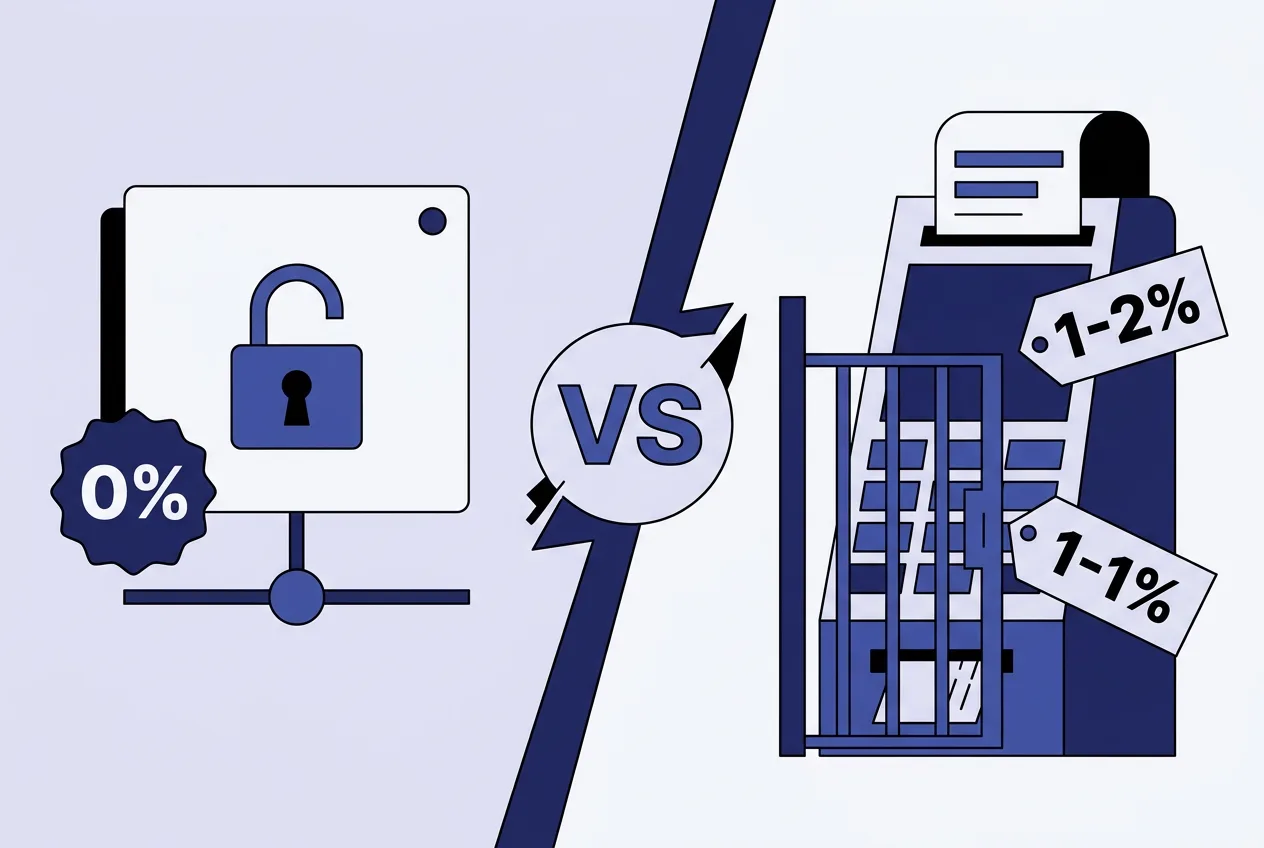
Merchants choosing between the two services face a clear trade-off between cost and managed support. The table below summarises the main differences based on 2026 pricing and features.
| Aspect | BTCPay Server | BitPay |
|---|---|---|
| Platform fees | None | 1–2 % + $0.25 per transaction, tiered by volume |
| Custody model | Non-custodial, direct to wallet | Custodial with optional fiat settlement |
| KYC requirement | None | Required for account setup |
| Lightning support | Native | Limited |
| Best fit | Users prioritising control and low volume | Merchants needing managed service and instant payouts |
BTCPay Server suits businesses that accept variable or low monthly volumes and want to avoid percentage fees entirely. BitPay provides broader altcoin options in some regions, sandbox testing and dedicated support, at the cost of the listed transaction tiers. High-risk merchants may face additional surcharges on the BitPay side that do not exist within BTCPay.
Both solutions remain active in 2026. BTCPay continues under MIT license with community contributions and partial OpenSats funding, while BitPay operates as a commercial hosted platform. Selection depends on whether the priority is fee elimination and wallet control or outsourced operations and fiat conversion.
Frequently asked questions
What are the minimum server requirements for BTCPay Server?
Most installations run on 2–4 GB RAM and 80 GB storage with pruning enabled. Additional coins or higher traffic increase these needs.
Does BTCPay Server charge any transaction fees?
The software itself charges zero platform or processing fees. Merchants pay only standard Bitcoin or Lightning network fees.
Which e-commerce platforms integrate with BTCPay Server?
Official plugins exist for WooCommerce, Shopify, Magento, PrestaShop, OpenCart and more than a dozen other platforms.
How does BTCPay Server compare with BitPay on fees?
BTCPay has no platform fees while BitPay charges 1–2 % plus a fixed amount per transaction depending on monthly volume.
Comments 1